tool_bass

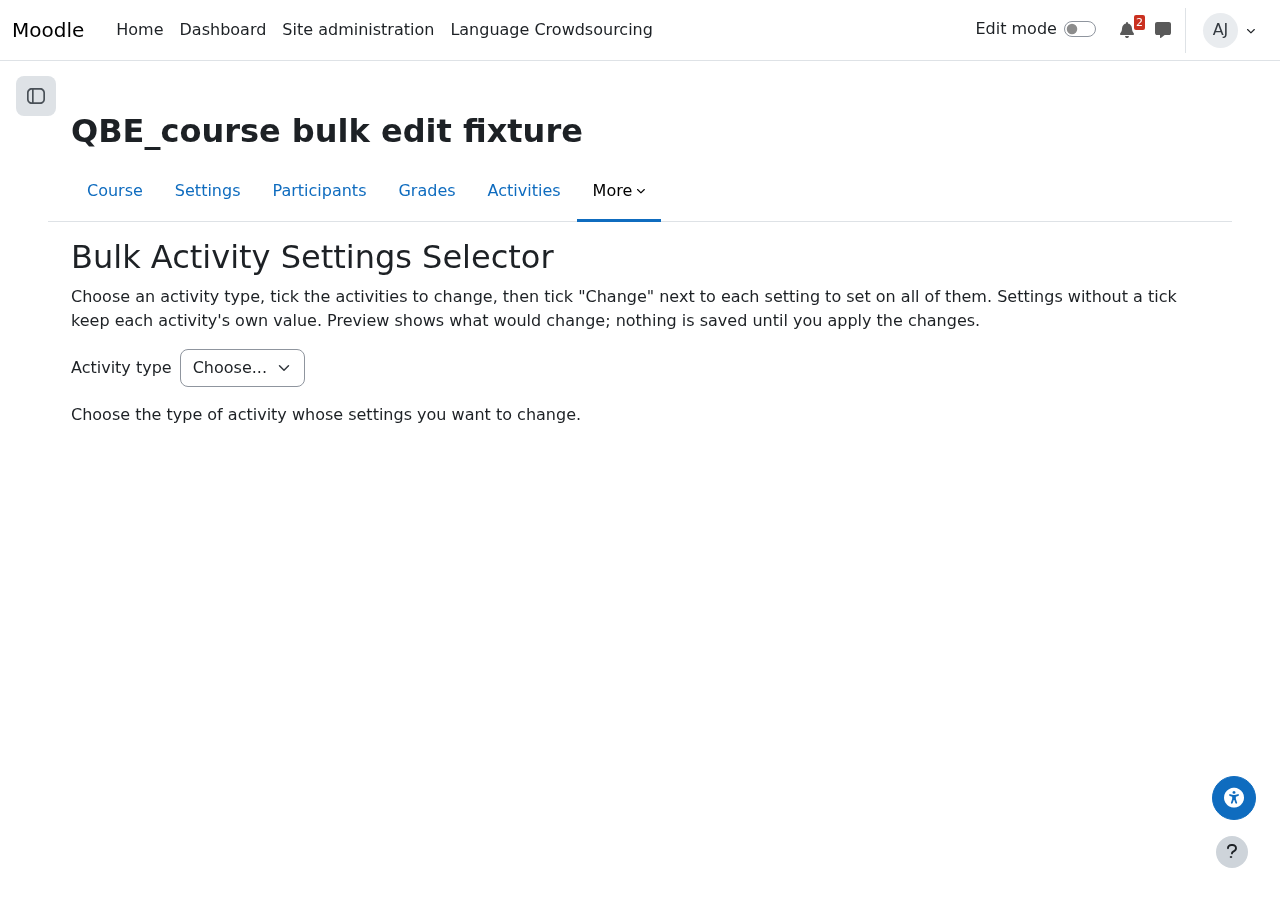
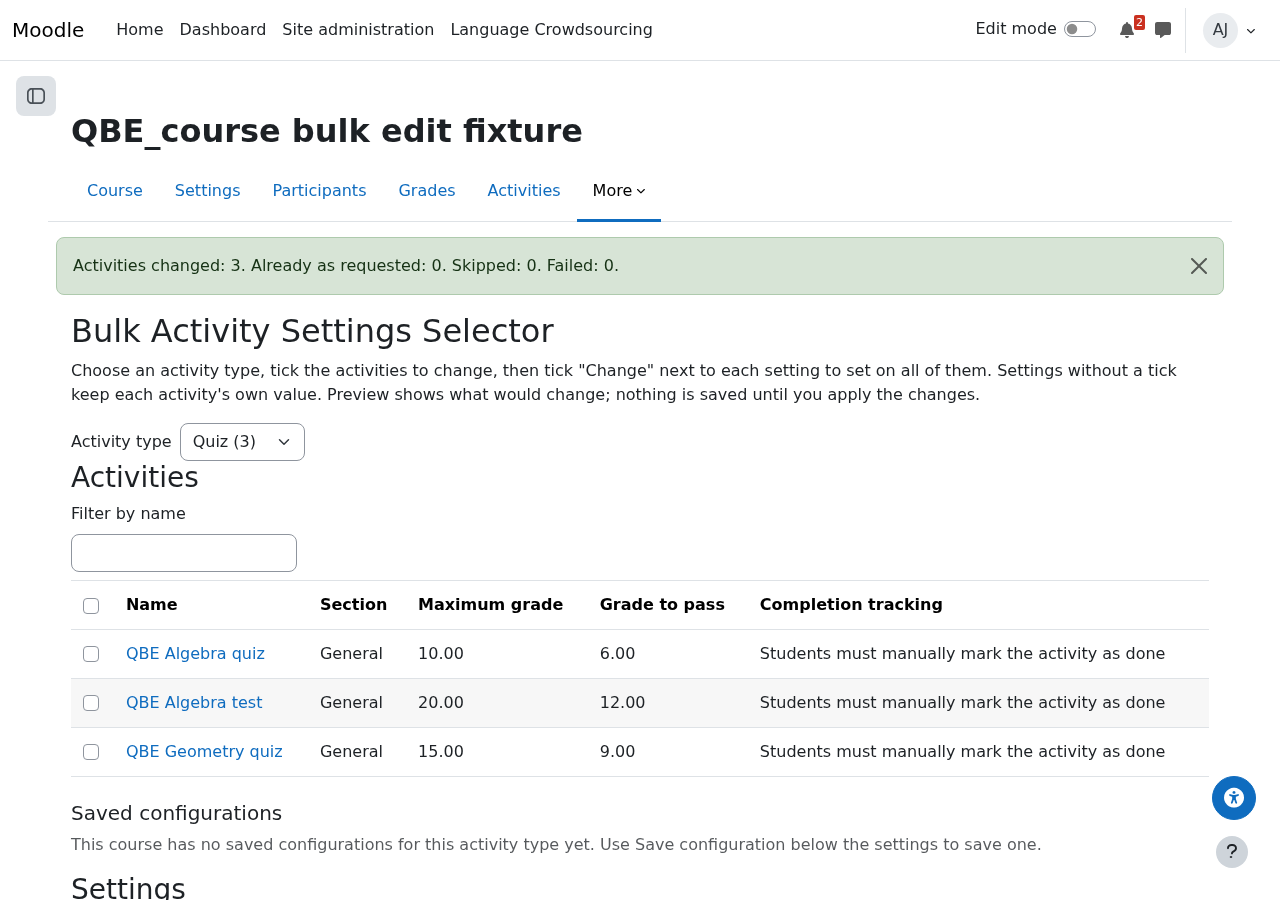
Bulk Activity Settings Selector: change the settings of some or all activities of one type in a course in one go, with a preview before anything is saved.
verified and archived by the registry · newer than the source platform's last reported tagDownload and compatibility
verification ledger
Source tagged by maintainer
github.com/adamjenkins/moodle-tool_bass @ v0.2.0 · commit 46cbf58da378
Rebuilt deterministically from that tag
canonical ZIP, byte-identical on every rebuild
Artifact hash recorded in the public index
sha256 7e29666bd488df38089571c30b731afe3d229455650dd7ac62645df409e031f2
Release signed · trusted publishing
planned — TUF signing (RFC §4.3)
Recorded in public transparency log
planned — Sigstore/Rekor (RFC §4.3)
composer require adamjenkins/moodle-tool_bass
About
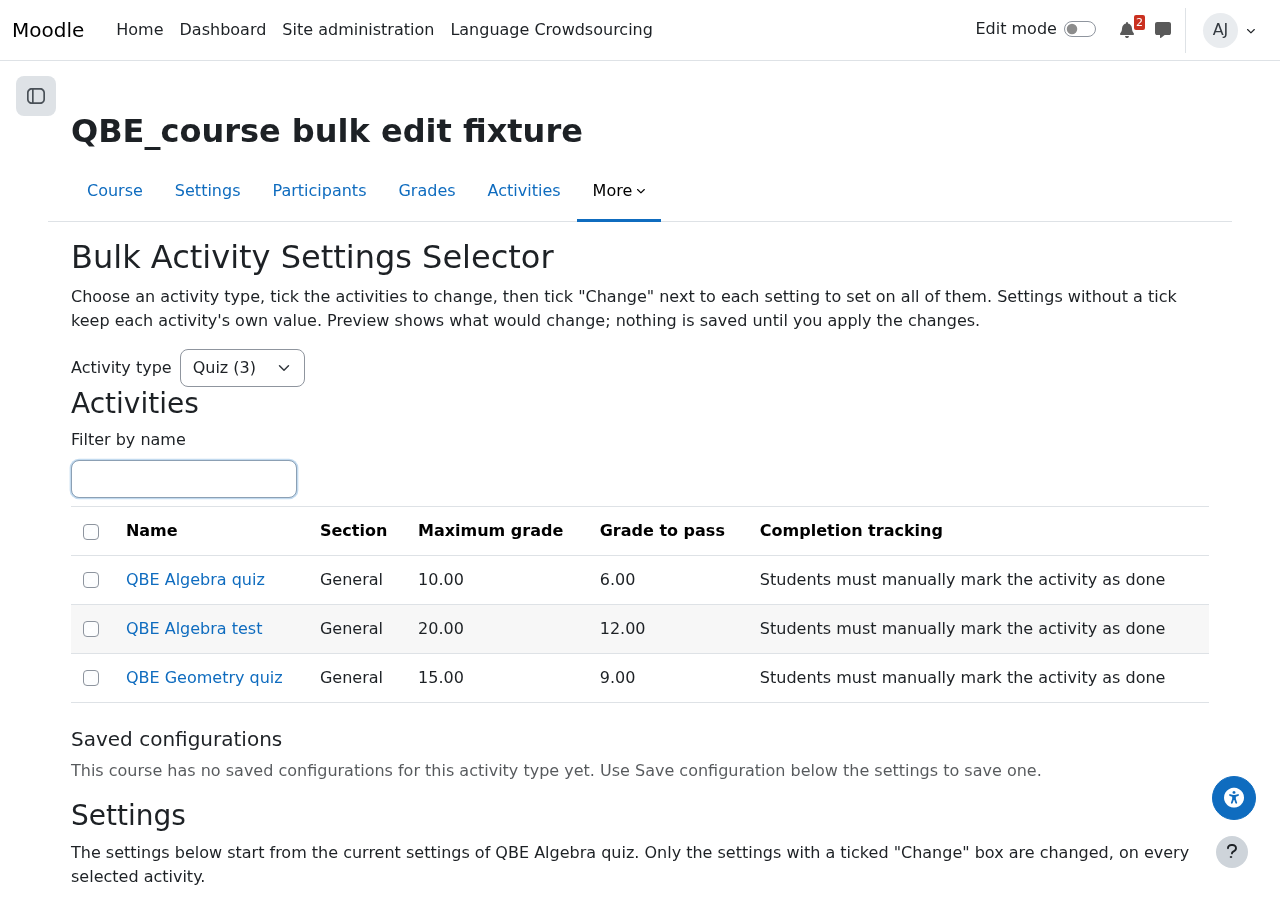
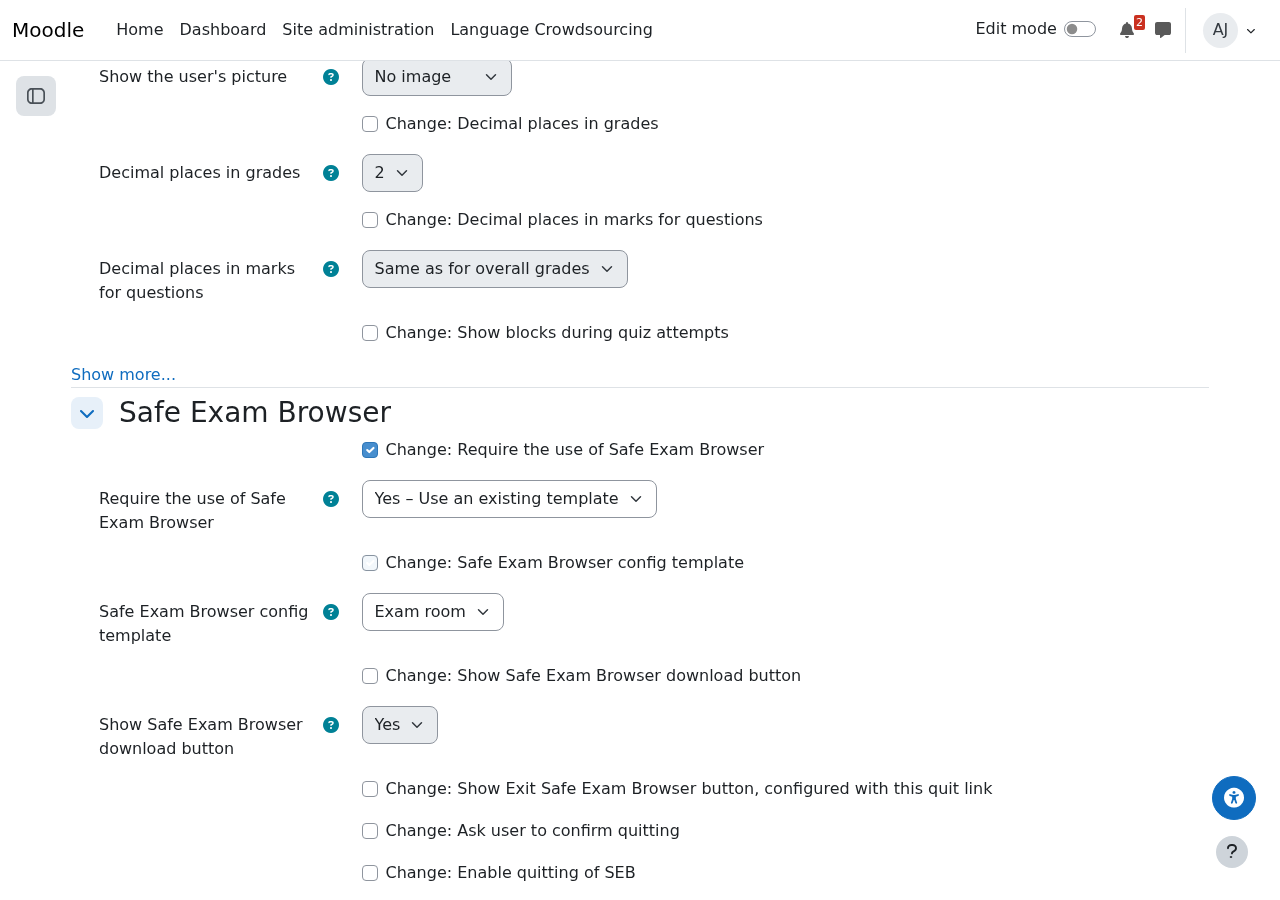
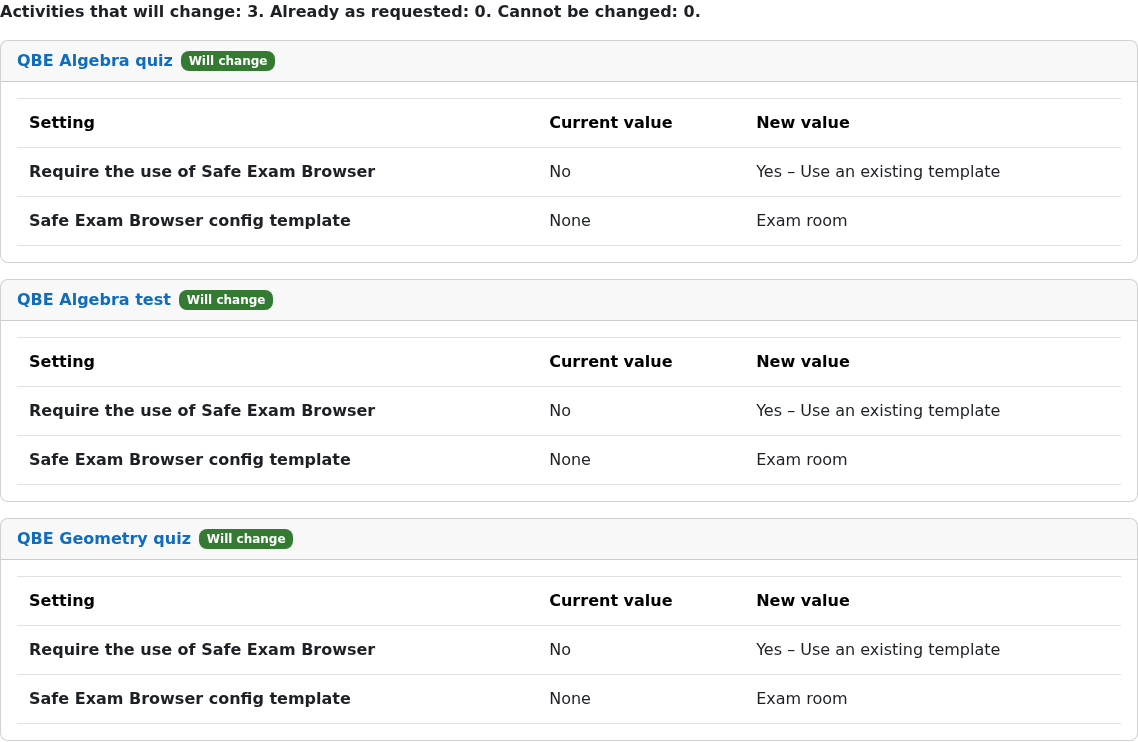
For teachers and managers who need to change the same settings across many activities of a course. Choose an activity type (quiz, assignment, forum, page, or any other), tick the activities, and tick a Change box next to each setting to change: every standard setting of that type's own settings form is offered, in the same order and sections as on the Edit settings page, including what other plugins add (for quizzes: Safe Exam Browser, set to a site template in one go). Preview shows each activity's current and new values before Apply changes, and each activity is saved through its own settings form, so its own rules and validation apply. The grade to pass can be set as a percentage of each activity's maximum grade. Teachers can save named configurations per course, and site administrators can publish admin presets.