← Back to archive

VR room

mod_vrroom
camp Tier 2 · Verified
Actively maintained · updated 2 d ago
Fully free

3D rooms students explore in the browser: stations with models, images, texts and question-bank questions, graded from xAPI statements.

verified and archived by the registry · newer than the source platform's last reported tag

Download and compatibility

0.1.1 Moodle 5.2 – 5.3
Verified against source
verification ledger

Source tagged by maintainer

github.com/adamjenkins/moodle-mod_vrroom @ v0.1.1 · commit f9abe4dbad43

Rebuilt deterministically from that tag

canonical ZIP, byte-identical on every rebuild

Artifact hash recorded in the public index

sha256 6e83b0d88c401a35702081a0e1d5811595c509572da694ea2b50d6b886c817df

Release signed · trusted publishing

planned — TUF signing (RFC §4.3)

Recorded in public transparency log

planned — Sigstore/Rekor (RFC §4.3)

Every step is independently verifiable. CAMP never modifies plugin code; it proves the ZIP you install is exactly what the maintainer published. Verified 11 Oct 2026.
Code check ?: clean
phplintphpcs0 | 0amd buildrebuild differs (1)
composer require adamjenkins/moodle-mod_vrroom
First time? One-time Composer setup, or download the ZIP and install it through Moodle.
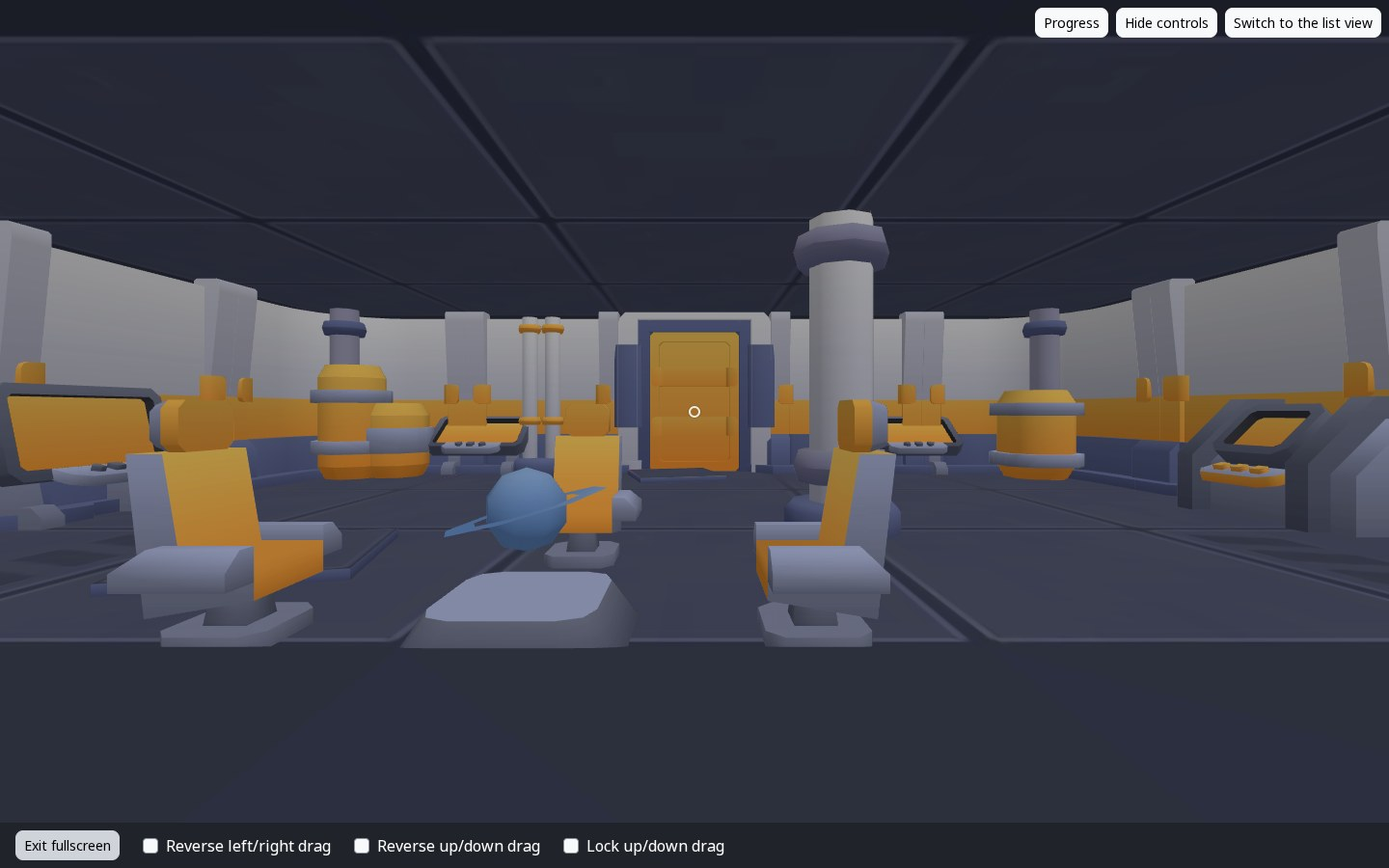
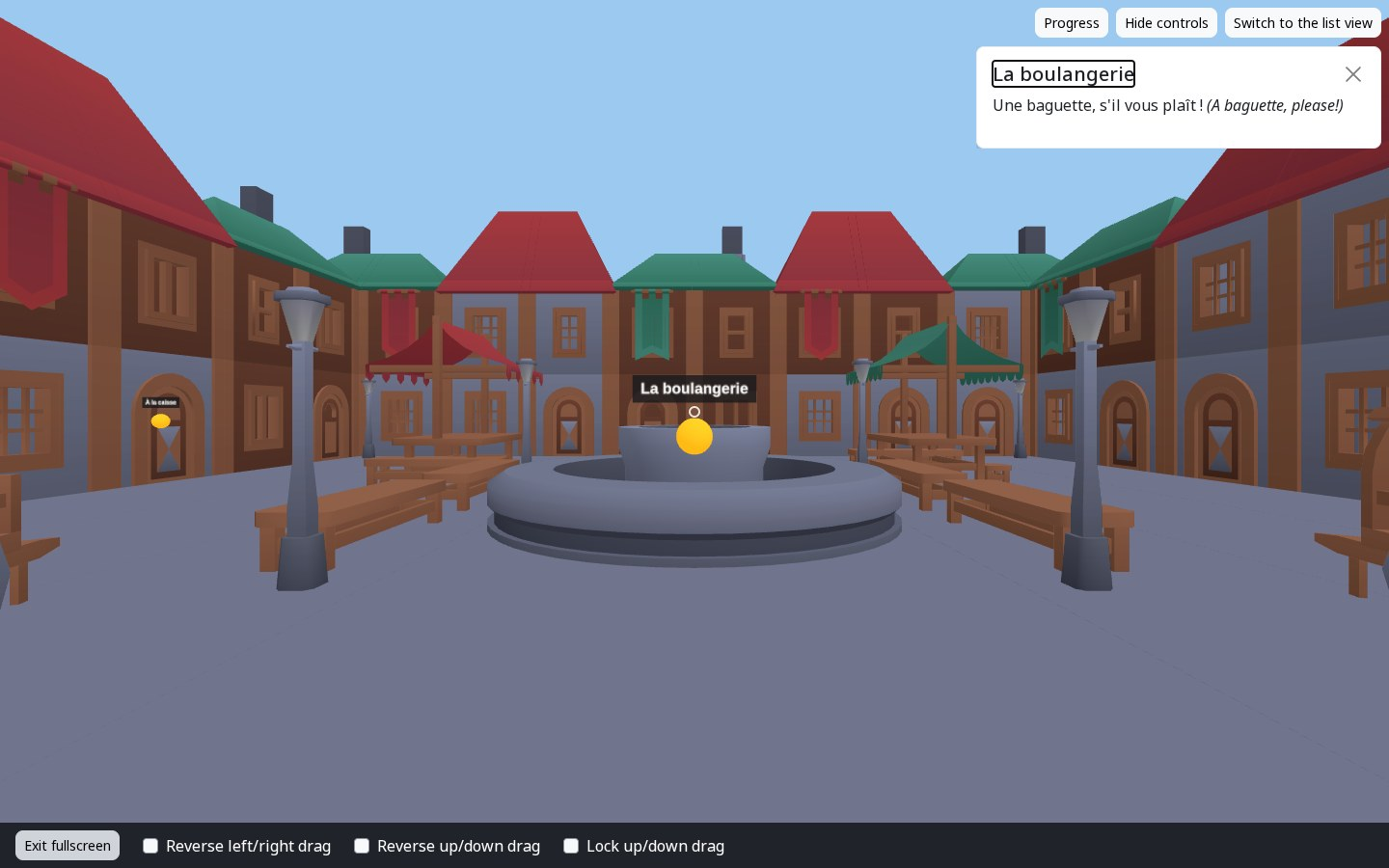
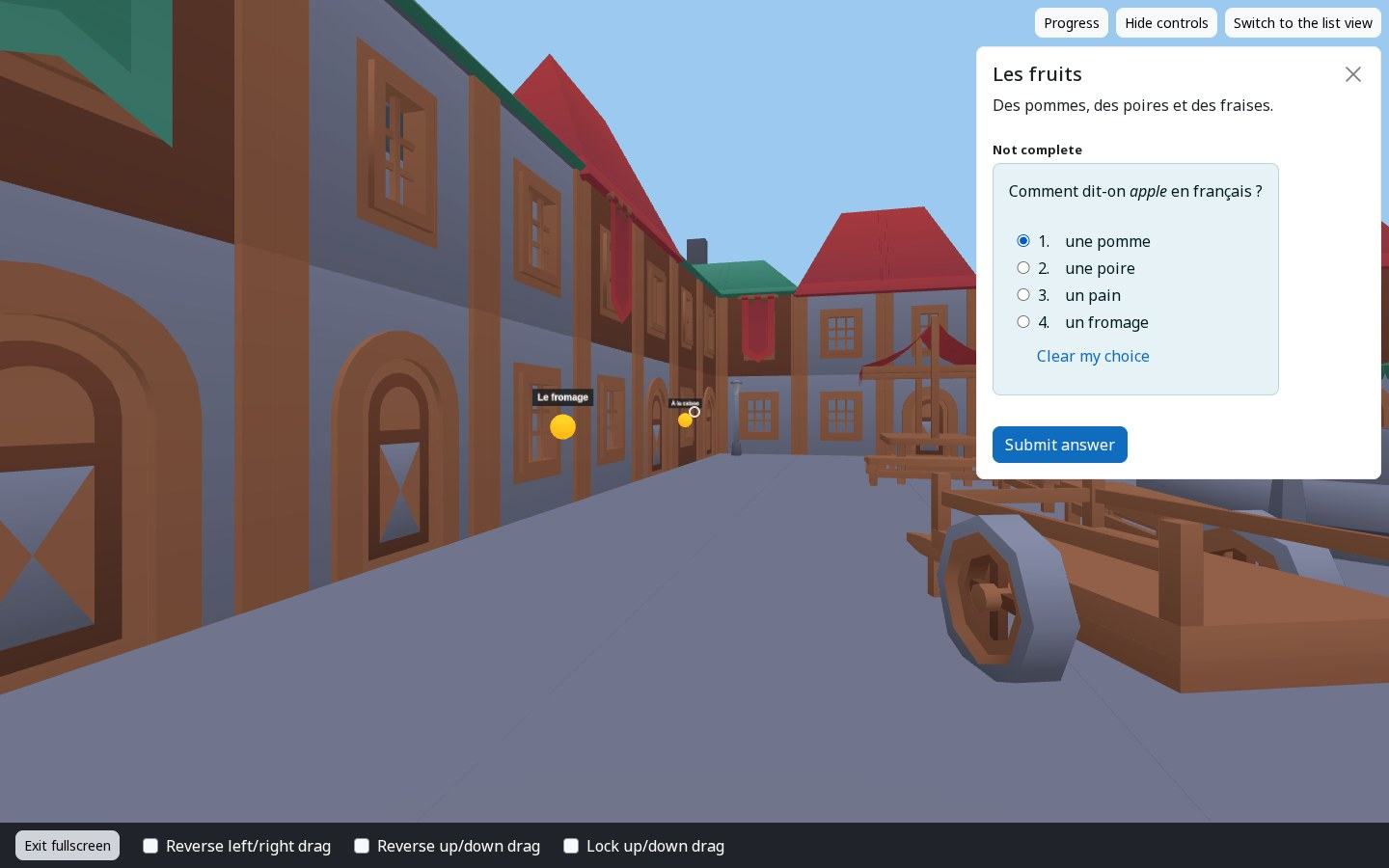
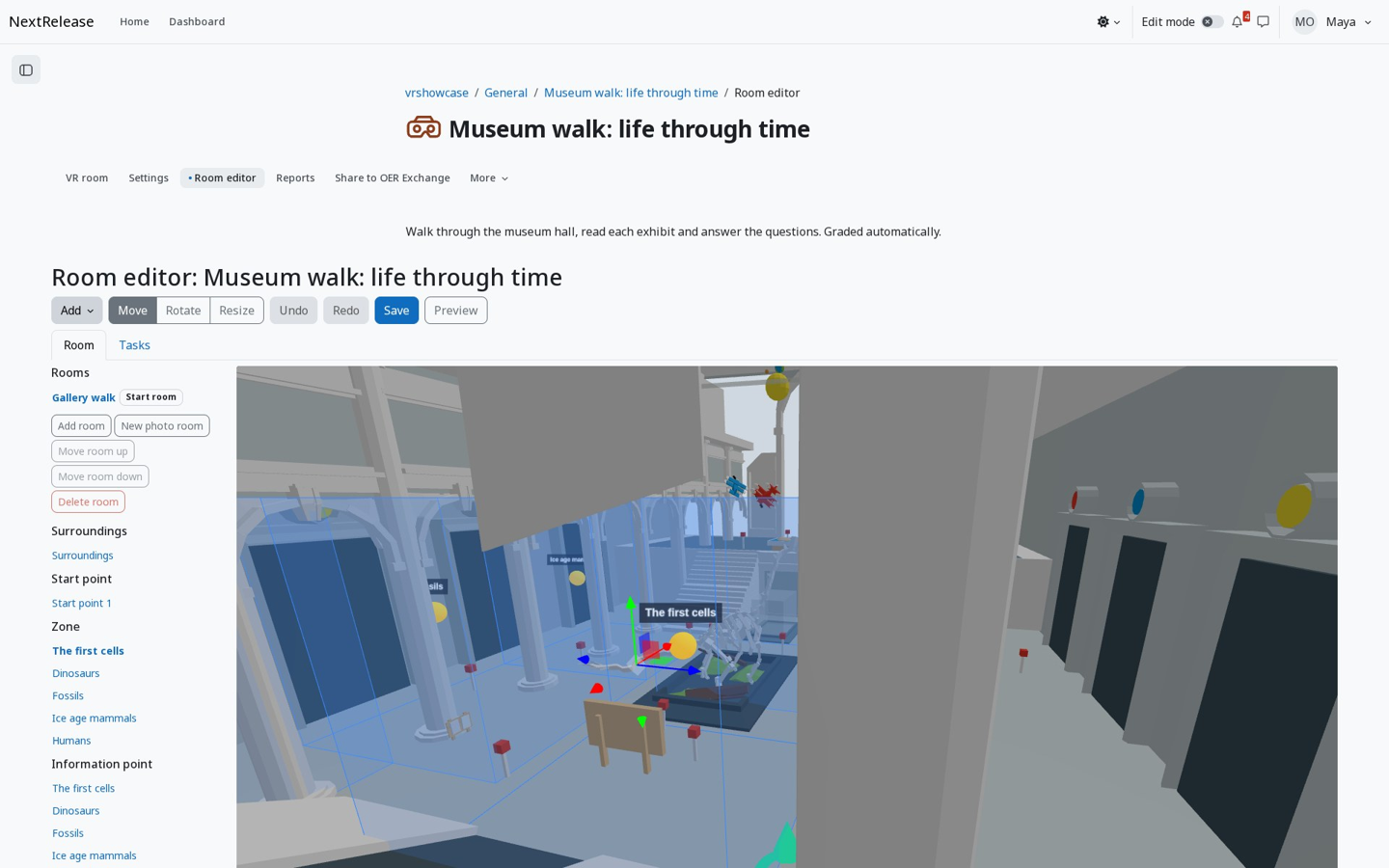
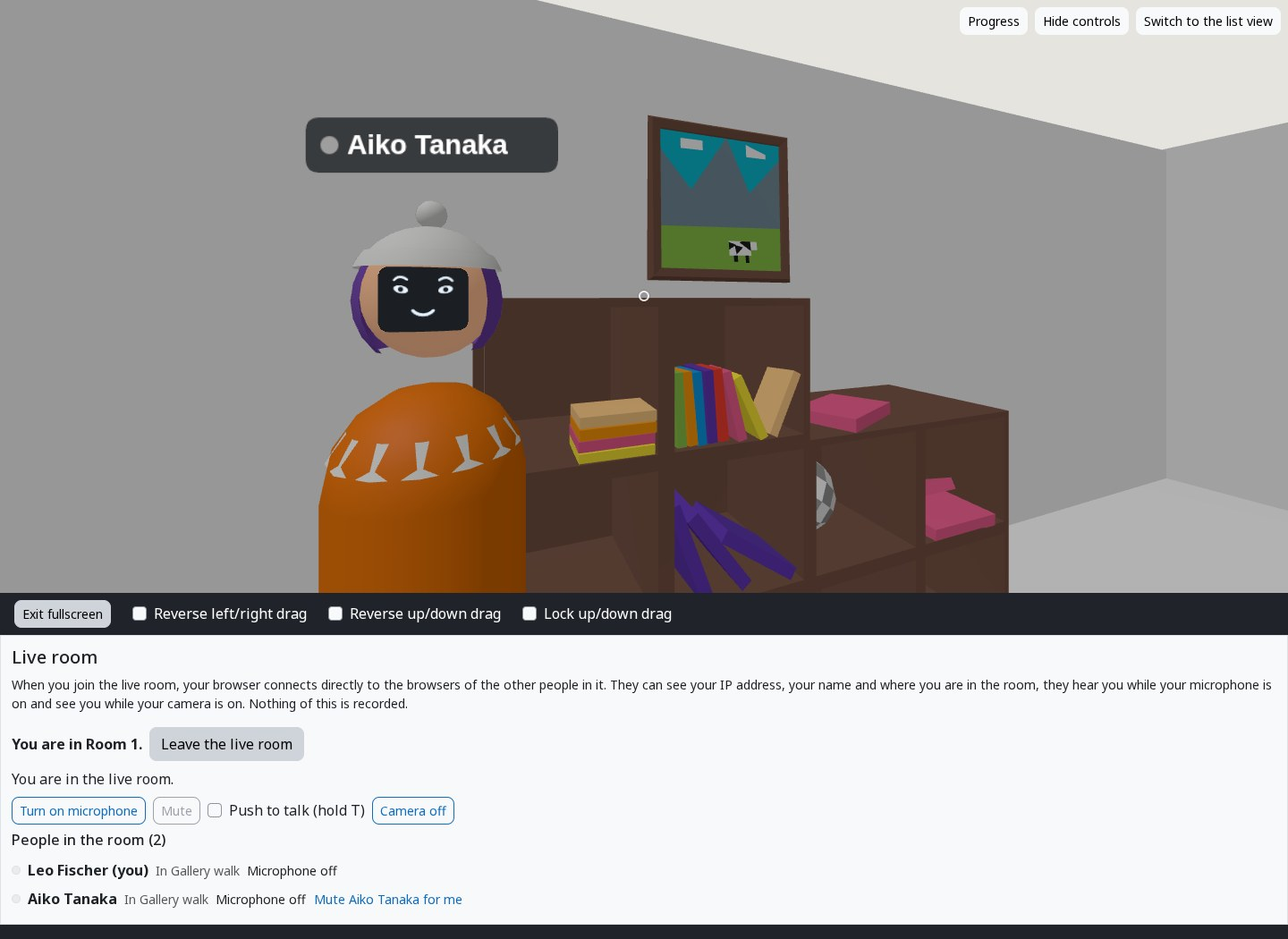
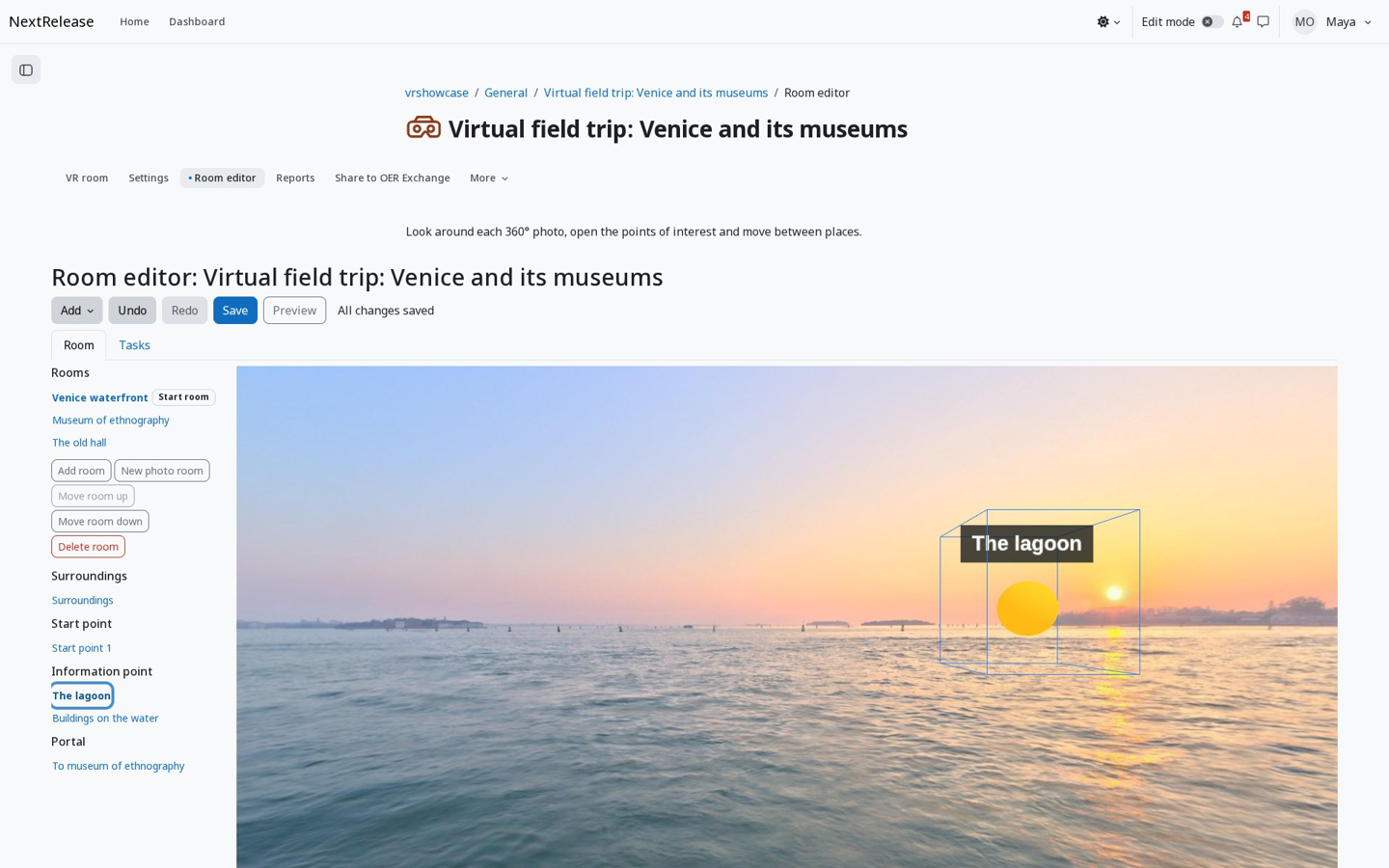
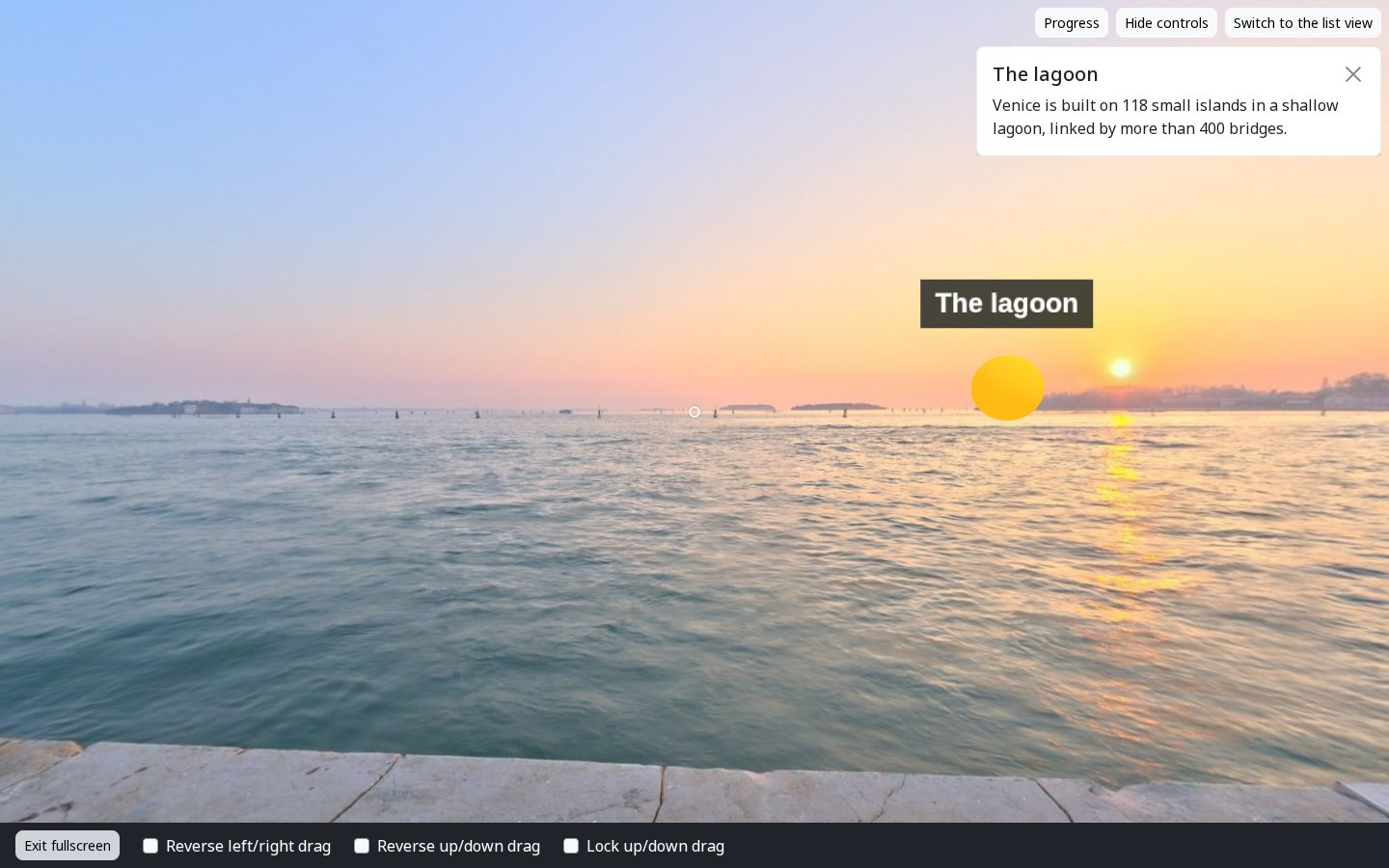
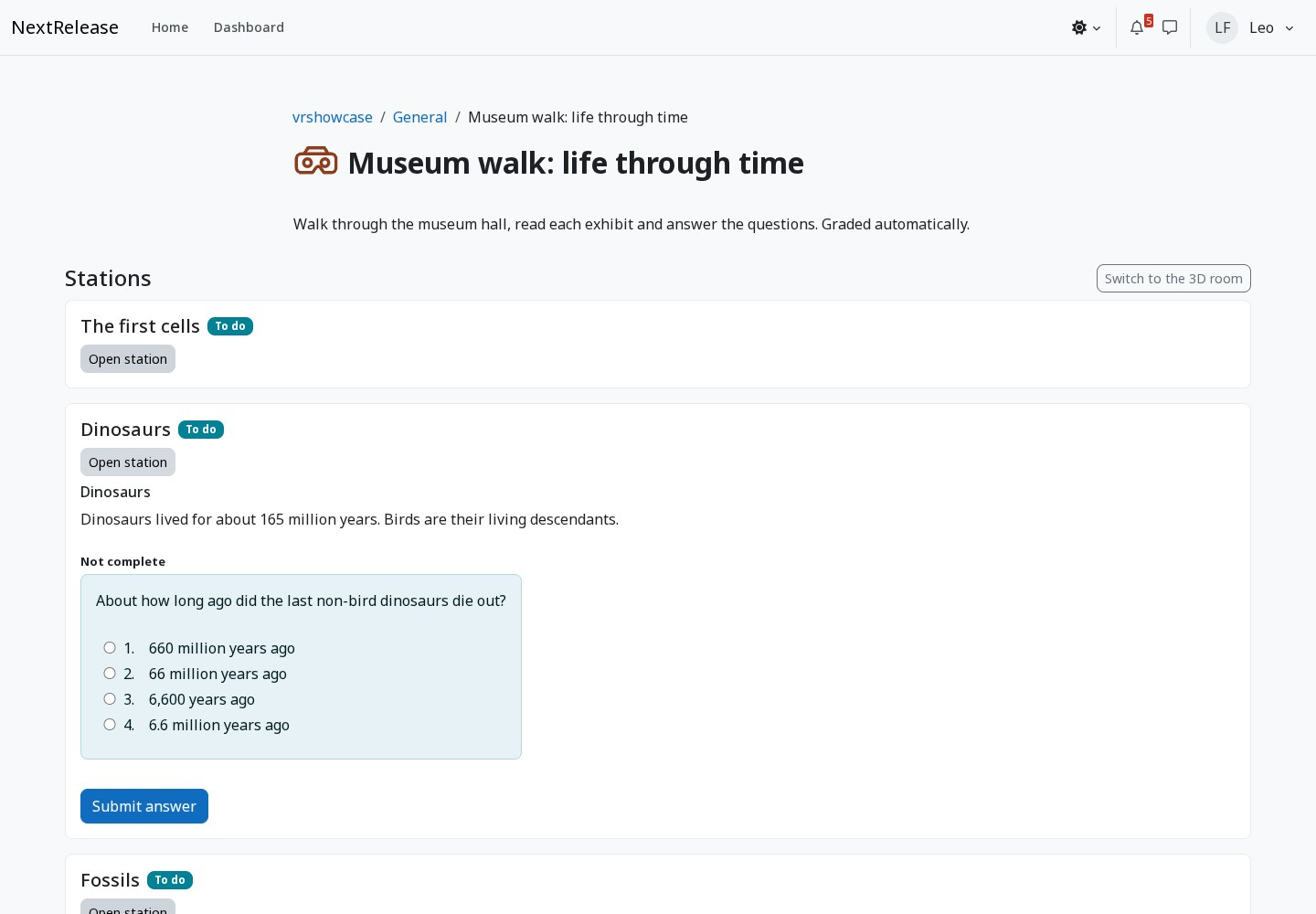
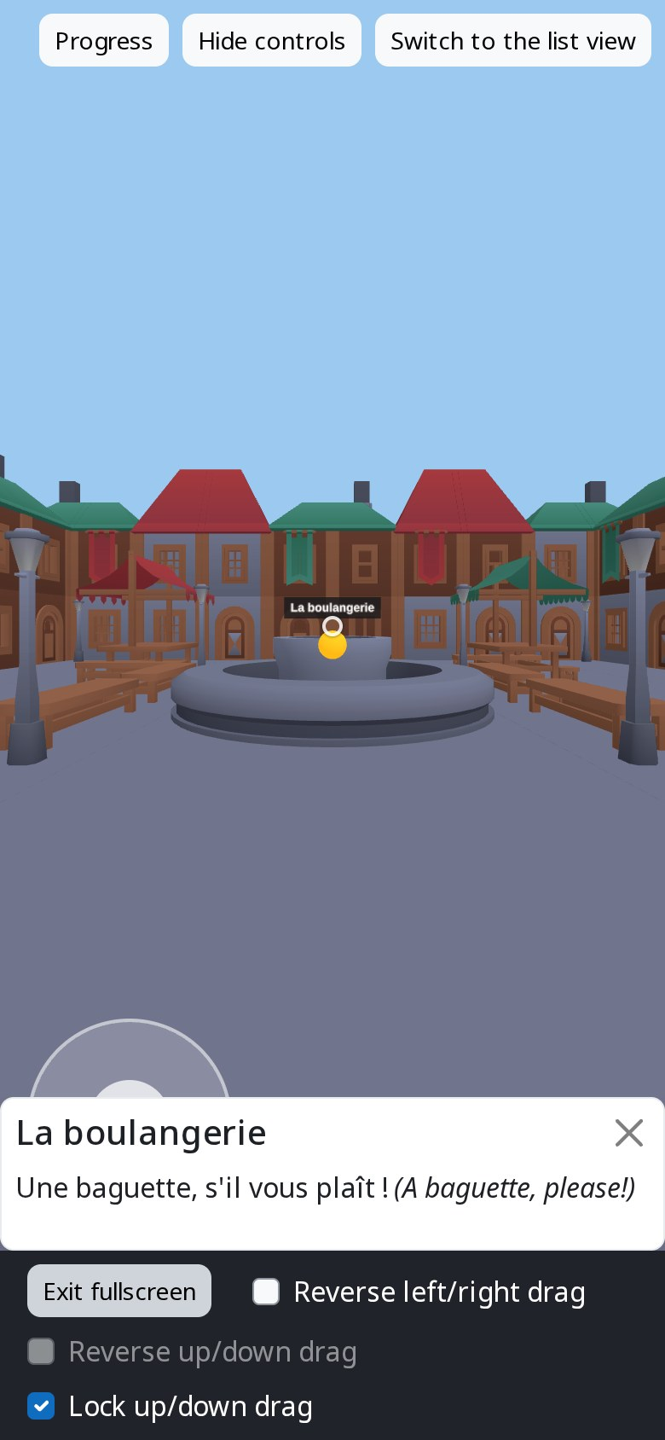
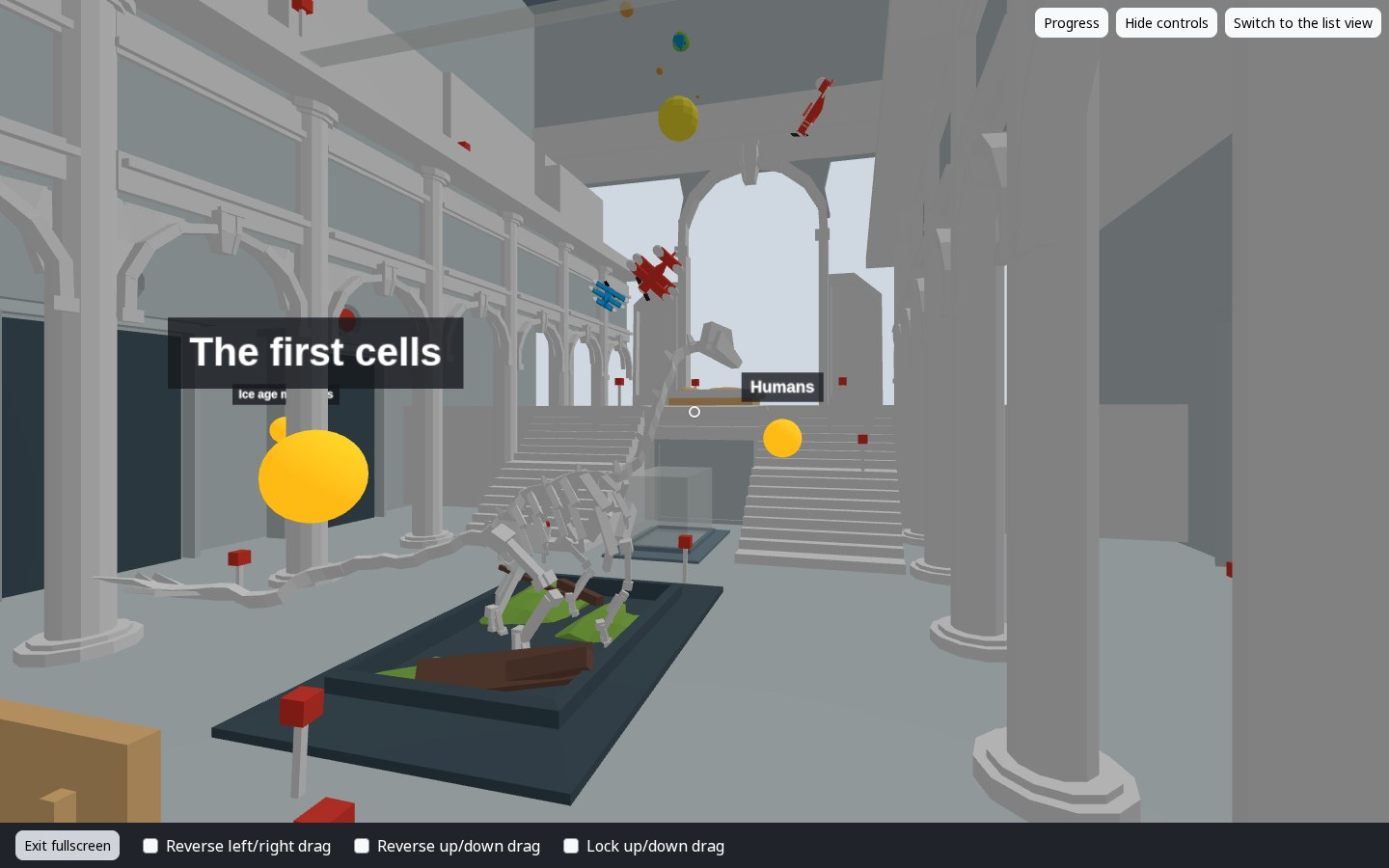
A gallery walk in the Museum entrance hall room (Joshua Johanson, CC BY 3.0) from the bundled room pack.Living in orbit: stations around the space station room. Students walk with keyboard, mouse or touch.Opening a station: its title and text appear in a panel beside the room.A question-bank question at a station, unlocked by walking there. Answers are graded on the server.The room editor: rooms, zones and stations on the left, the 3D room with move handles on the right.A live room: students see each other as avatars, with the people list and microphone and camera controls.A 360° photo room in the editor, with information points placed on the photo (photo: Poly Haven, CC0).A student in the 360° photo room opens an information point (photo: Poly Haven, CC0).The list view: the same stations and questions as an ordinary page, for keyboards and screen readers.On a phone in fullscreen: the touch stick, a station panel and the drag settings.

About

VR room is an activity that puts students in a 3D room they explore in the browser, on a computer, a phone or a VR headset. Students walk between stations, look at models, images and texts, and answer questions from the course question bank. Everything they do is recorded as xAPI statements, and the grade and activity completion are calculated from those statements on the server, so the activity runs without a teacher present.

  • A room editor for teachers: choose a room, place stations and items, upload models, images and 360° photos.
  • 360° photo rooms and tours, with points placed on the photo.
  • Live rooms where several people meet, see each other as avatars and talk.
  • A list view of every activity that shows the same stations, texts and questions as an ordinary page, works with a keyboard and a screen reader, and is used automatically when a browser cannot show 3D.

No external services: the 3D viewer (three.js) is bundled. Live mode connects browsers directly; STUN and TURN servers are used only if an administrator adds them. Moodle 5.2 and 5.3. ALPHA.

Project

Maintainer
1 release in the archive
Plugin typeActivity modules
Declares subplugin typeVR room environments (1 listed) · VR room runtimes (1 listed)
separately distributed plugins that install into this one
DevelopmentOn GitHub: 0 stars · 0 forks · 0 open issues & PRs
Upstream tagv0.1.1 · 11 Oct 2026
verified and archived by the registry · newer than the source platform's last reported tag
Security advisoriesNone published