local_accessibility

Lets every user adjust how Moodle looks and reads for them: text size, spacing, fonts, colours, motion and more.
verified and archived by the registry · newer than the source platform's last reported tagDownload and compatibility
verification ledger
Source tagged by maintainer
github.com/adamjenkins/moodle-local_accessibility @ v3.0.3 · commit c54344081923
Rebuilt deterministically from that tag
canonical ZIP, byte-identical on every rebuild
Artifact hash recorded in the public index
sha256 031c8c06fbe5038dbe11be084a6f59550c86678d8e1c592619378d71fa2bb2f7
Release signed · trusted publishing
planned — TUF signing (RFC §4.3)
Recorded in public transparency log
planned — Sigstore/Rekor (RFC §4.3)
composer require adamjenkins/moodle-local_accessibility
About
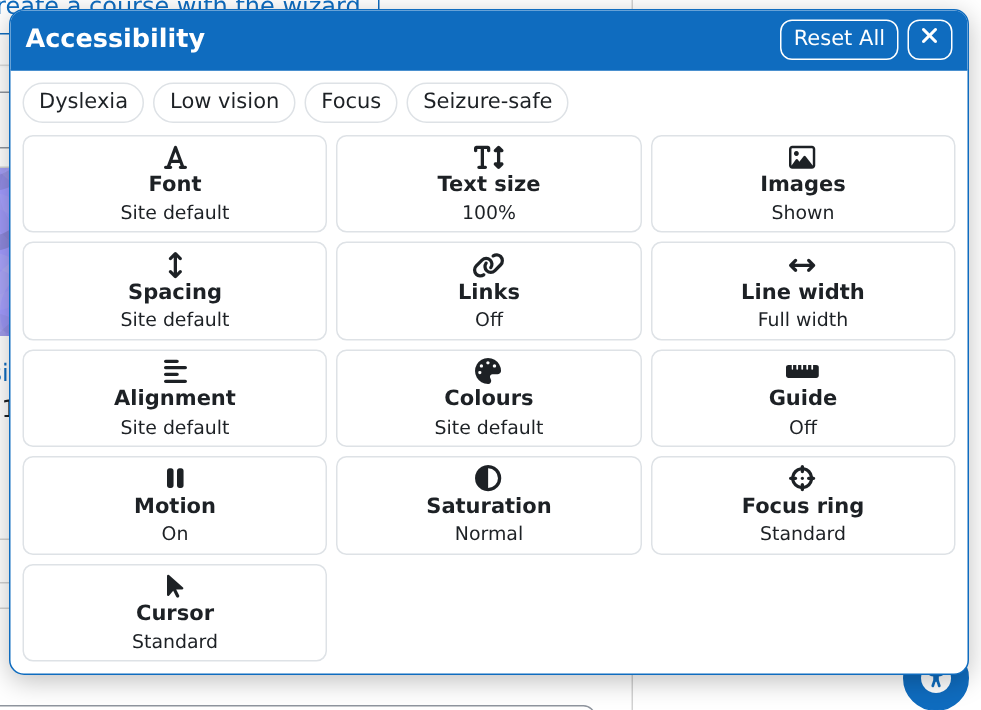
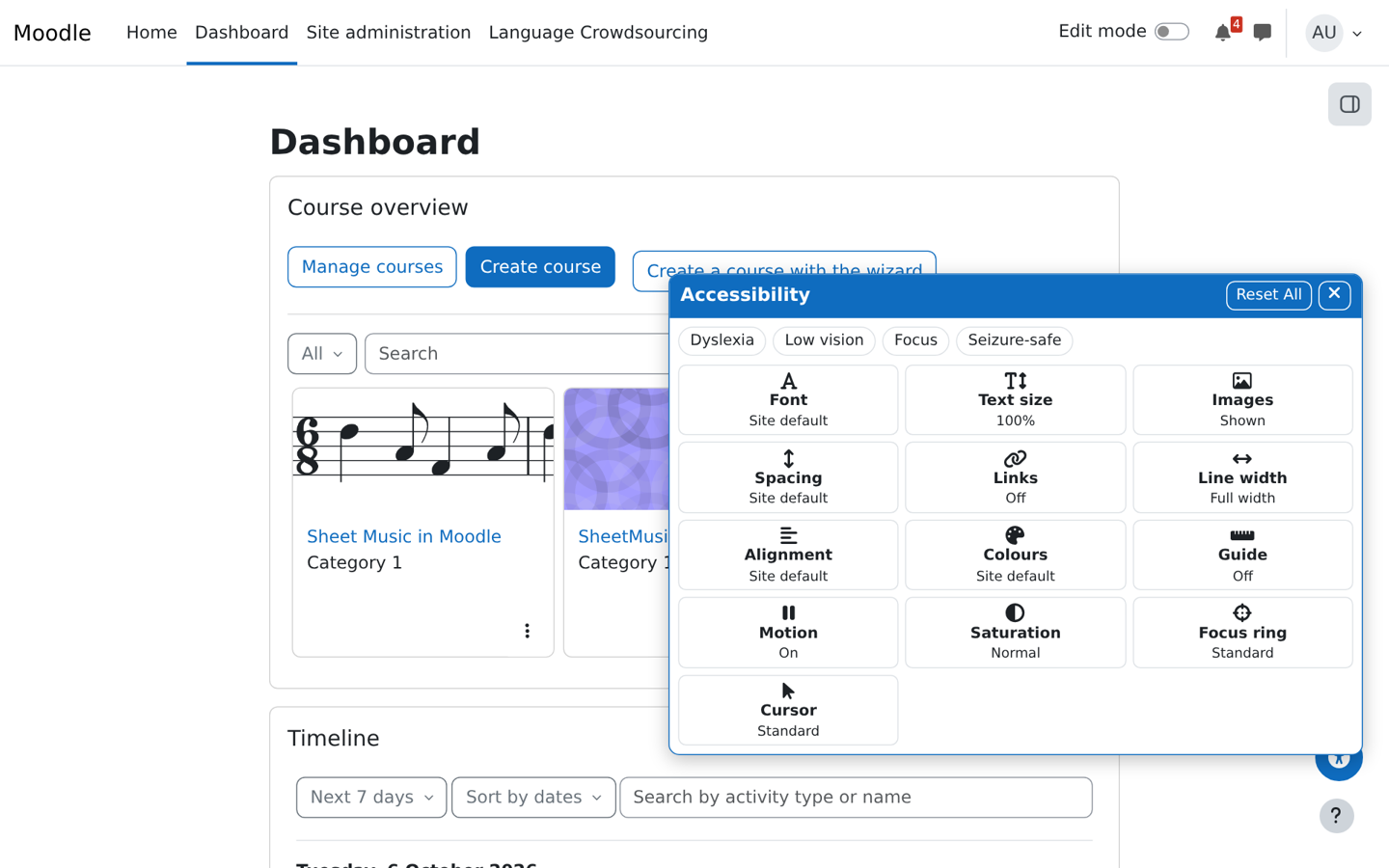
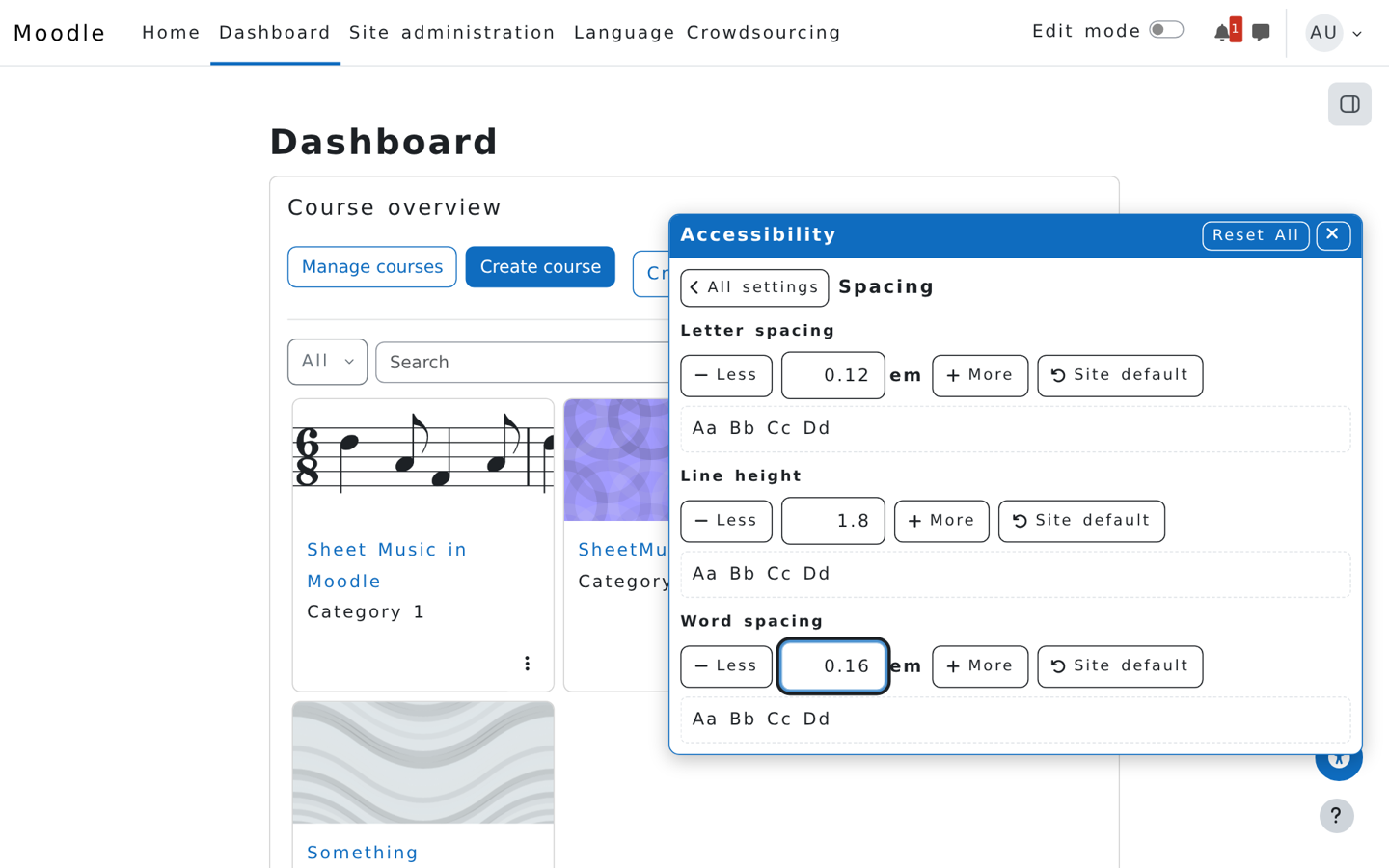
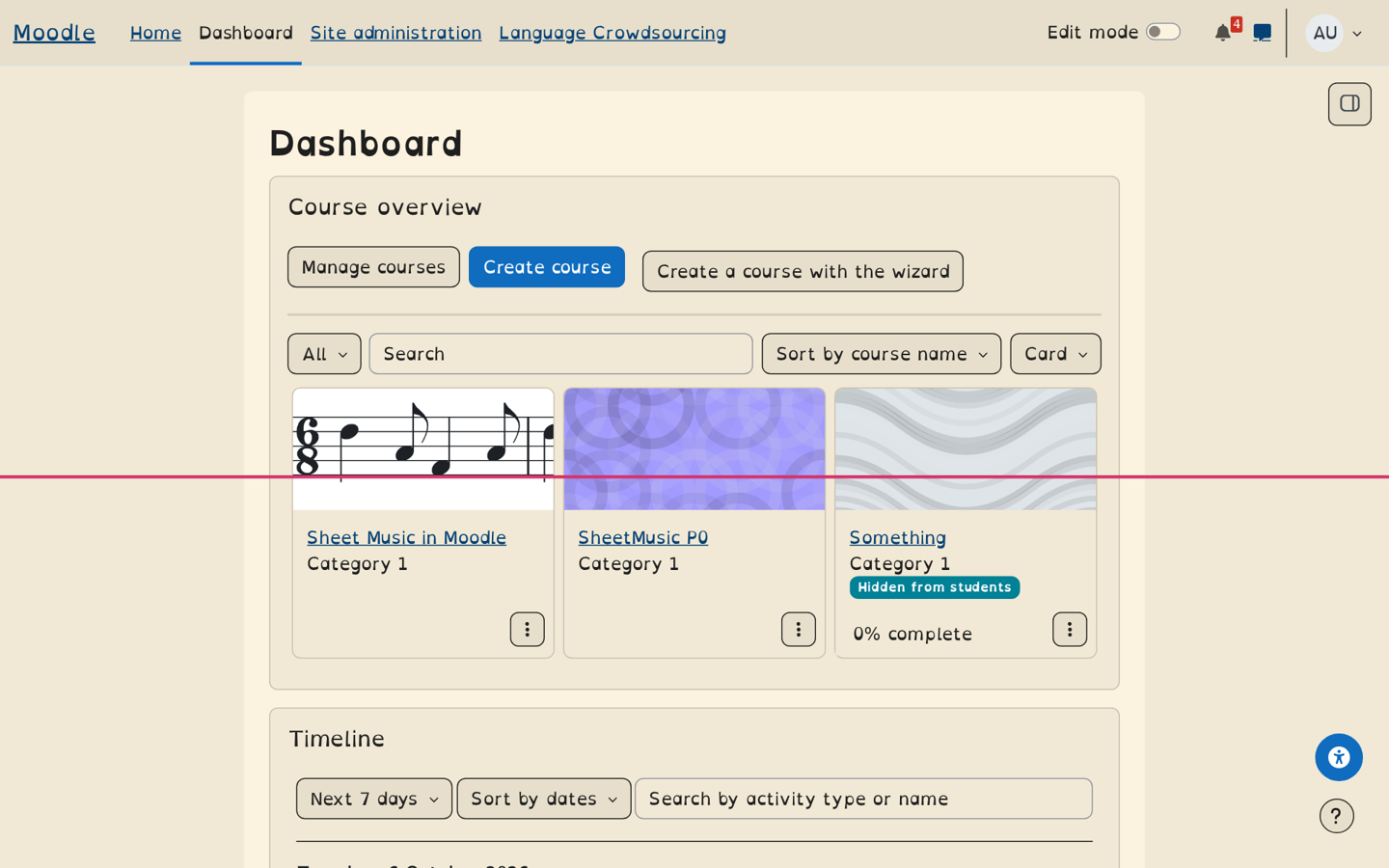
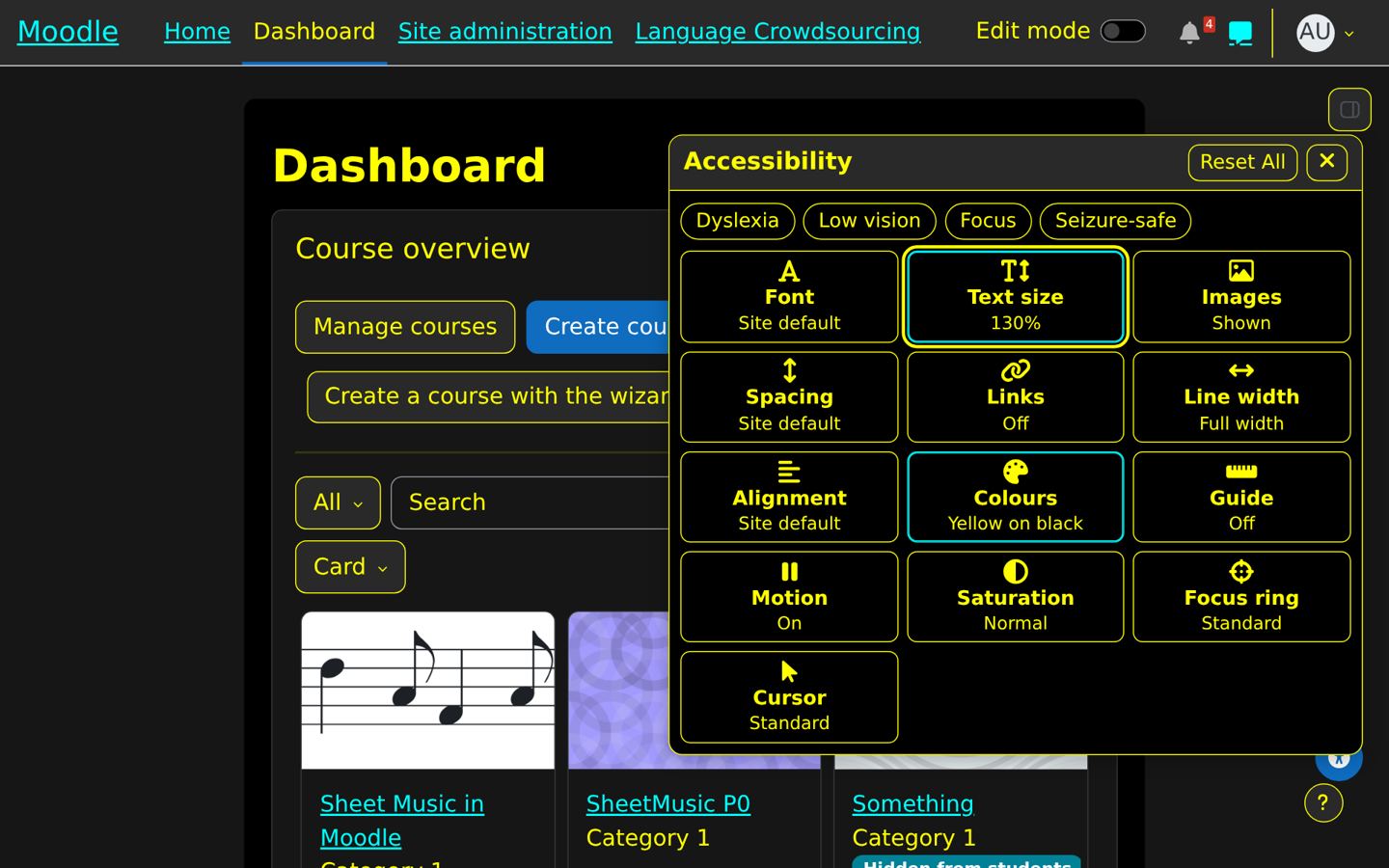
Accessibility adds a panel to every Moodle page where each user sets how Moodle looks and reads for them. The settings follow them across the site, and guests keep theirs in a cookie. Every option is shown and chosen directly, with no hidden presets between users and their choices.
- Text size, line height, letter spacing and word spacing.
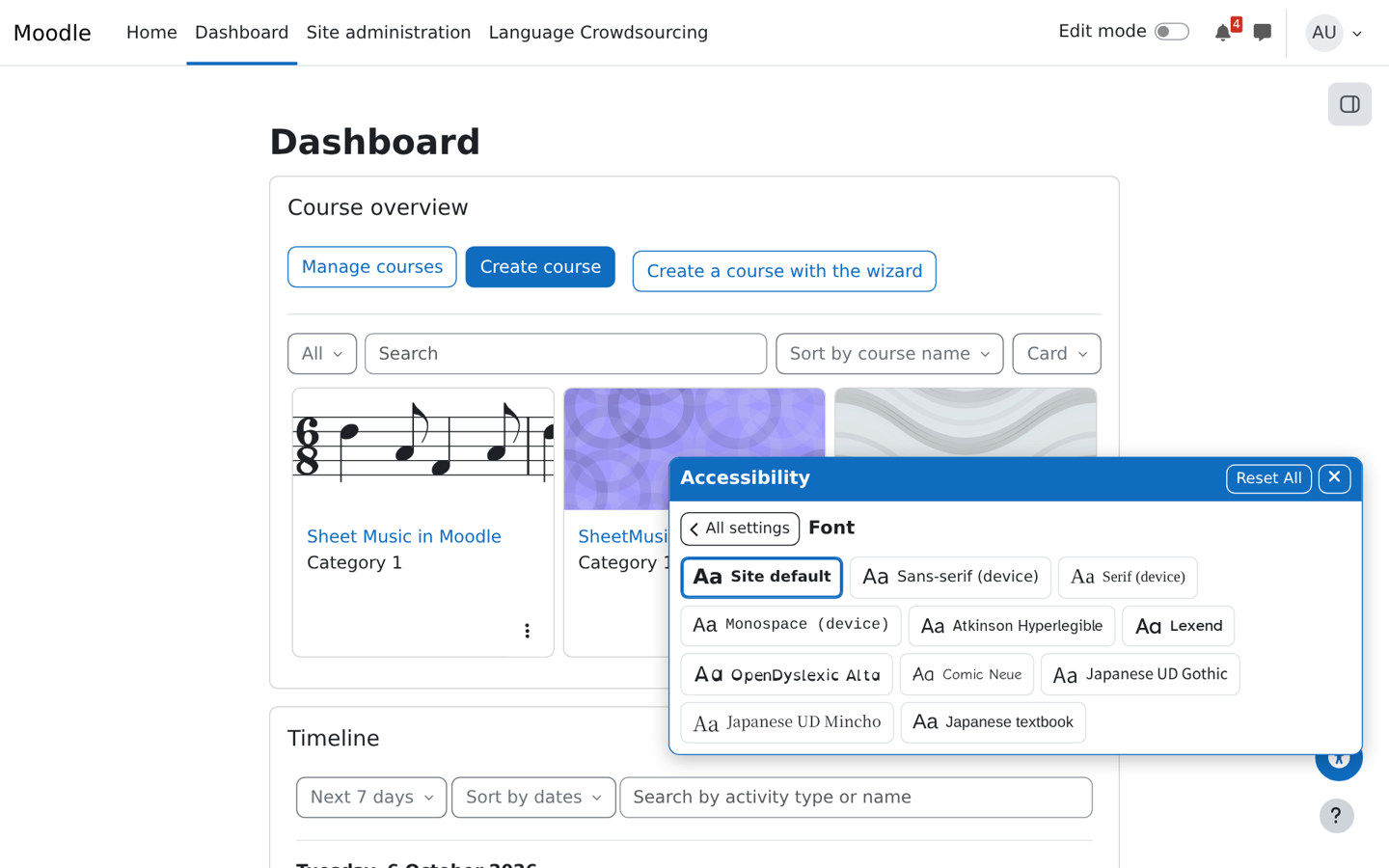
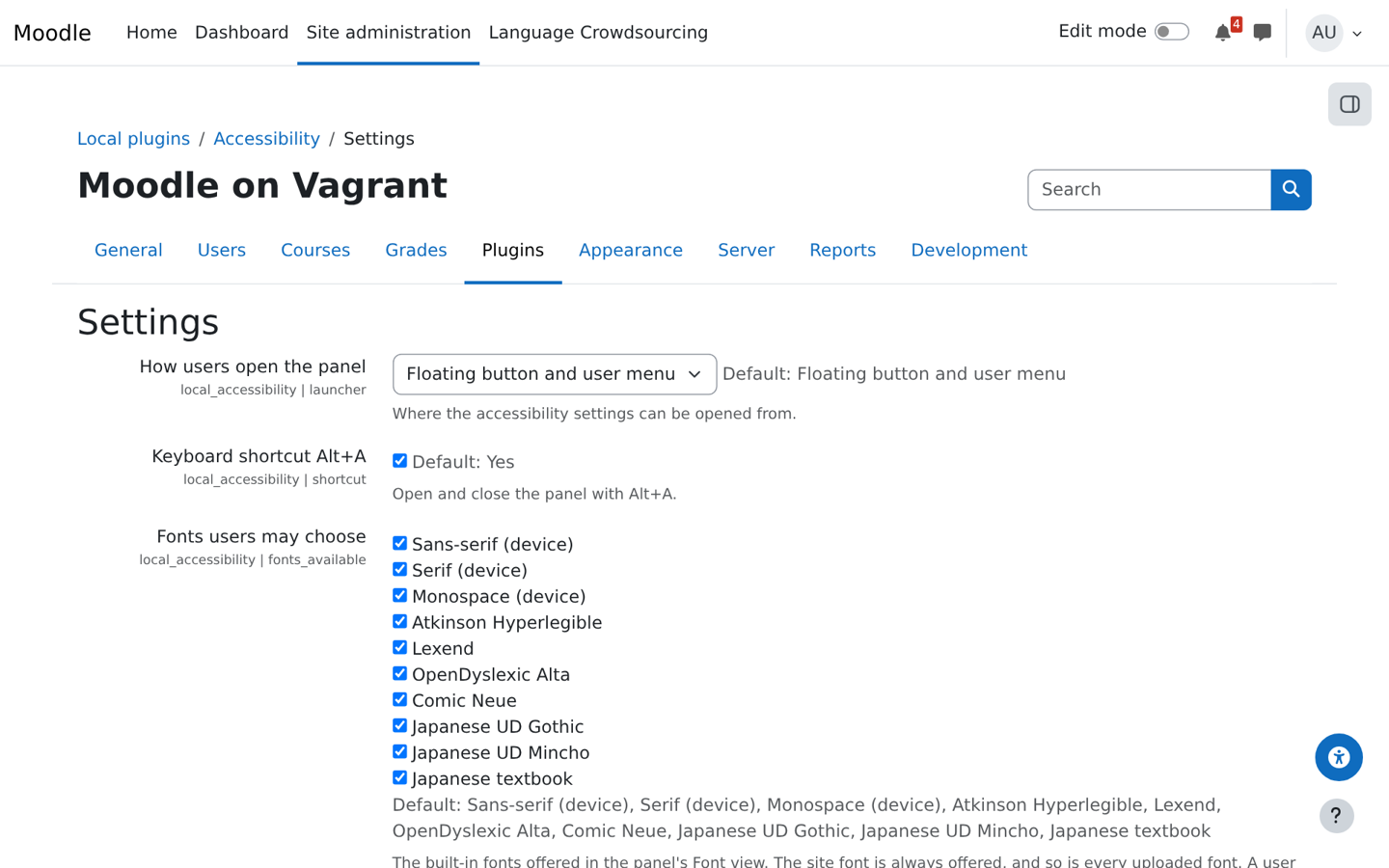
- Fonts, including Atkinson Hyperlegible, Lexend, OpenDyslexic Alta and Japanese UD fonts, plus fonts uploaded by the administrator.
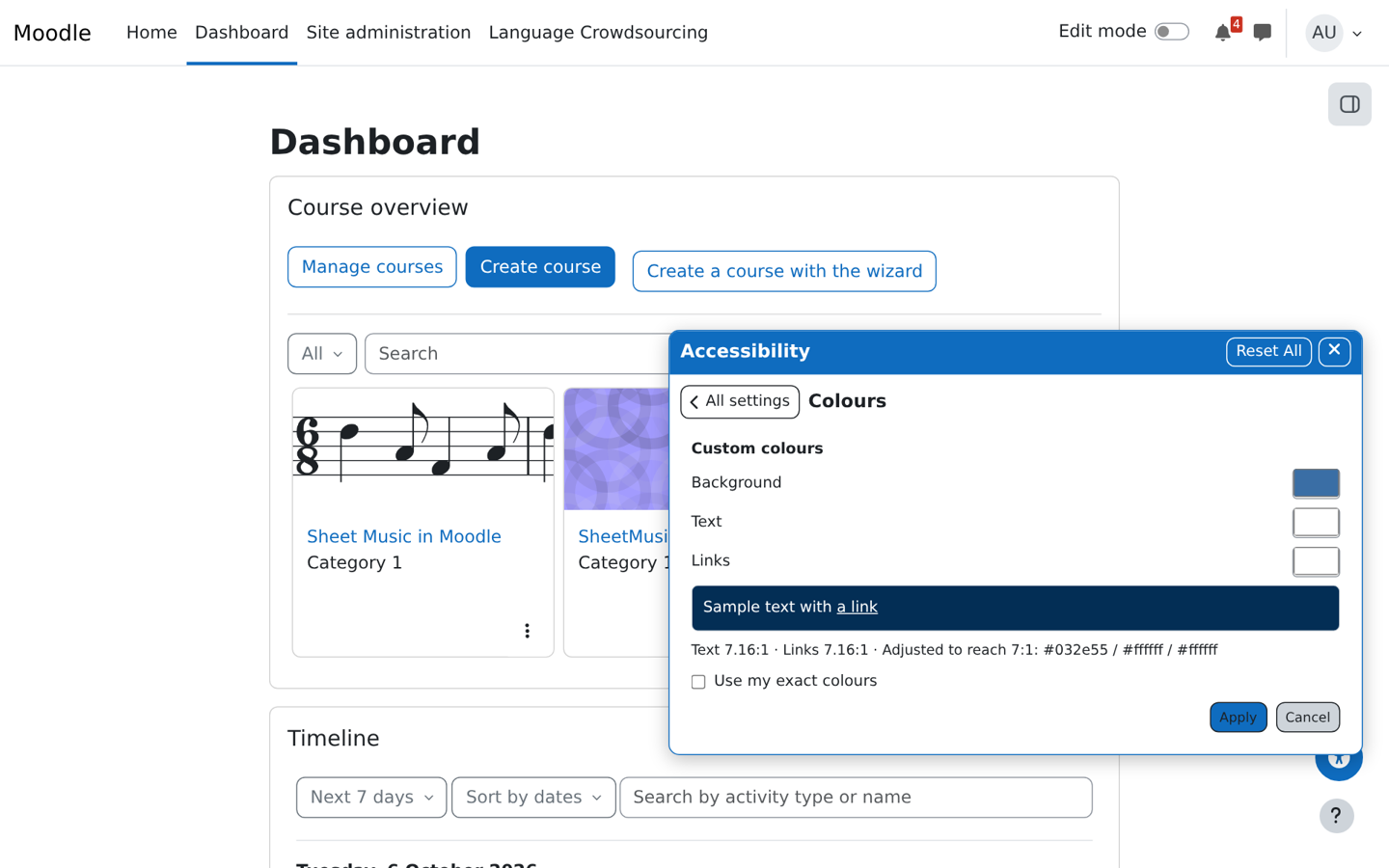
- Colour schemes and custom colours, adjusted to a 7:1 contrast ratio unless the user keeps their exact colours.
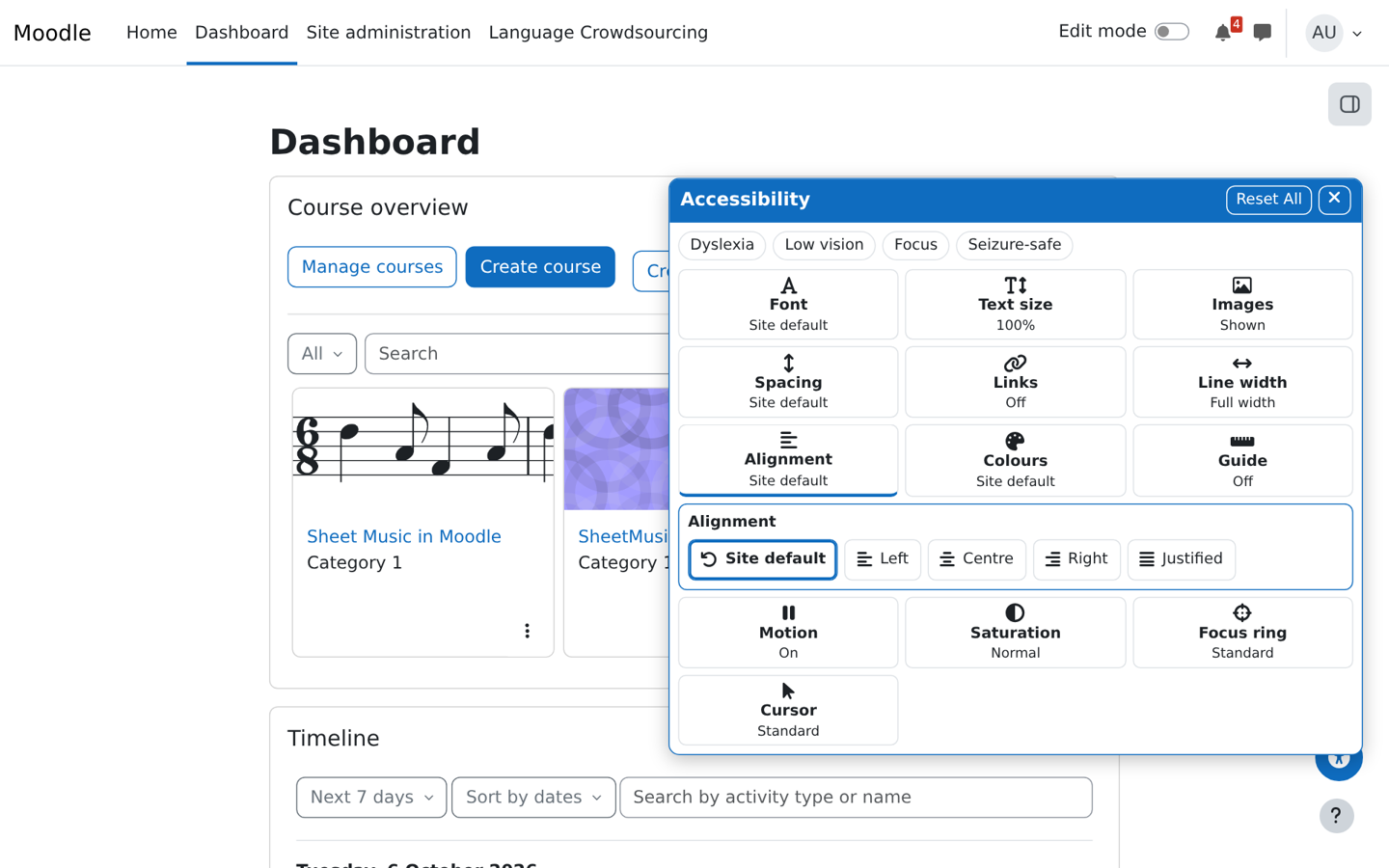
- Alignment, line width, a reading ruler or mask, read aloud, link highlighting, image dimming, stop motion, saturation, a stronger focus ring and a large cursor.
- One-click Dyslexia, Low vision, Focus and Seizure-safe profiles.
The panel opens from a floating button, the user menu or Alt+A and works entirely by keyboard. Administrators set site defaults, lock settings, add colour schemes, profiles and fonts, and choose which features are offered. Supports Moodle 4.5 to 5.3; upgrading from 2.x keeps users' settings, and the separate accessibility_* widget plugins are no longer needed.