Shortcodes

Embed and modify Moodle content using shortcodes provided by other plugins.
verified and archived by the registry · newer than the source platform's last reported tagDownload and compatibility
verification ledger
Source tagged by maintainer
github.com/branchup/moodle-filter_shortcodes @ v1.2.0 · commit f46404d83022
Rebuilt deterministically from that tag
canonical ZIP, byte-identical on every rebuild
Artifact hash recorded in the public index
sha256 89eeaae904a958d0d49ad9a241cf0296ba9fbc7e4dfe99baa454eea7ff4ee38f
Release signed · trusted publishing
planned — TUF signing (RFC §4.3)
Recorded in public transparency log
planned — Sigstore/Rekor (RFC §4.3)
composer require branchup/moodle-filter_shortcodes
All versions
About
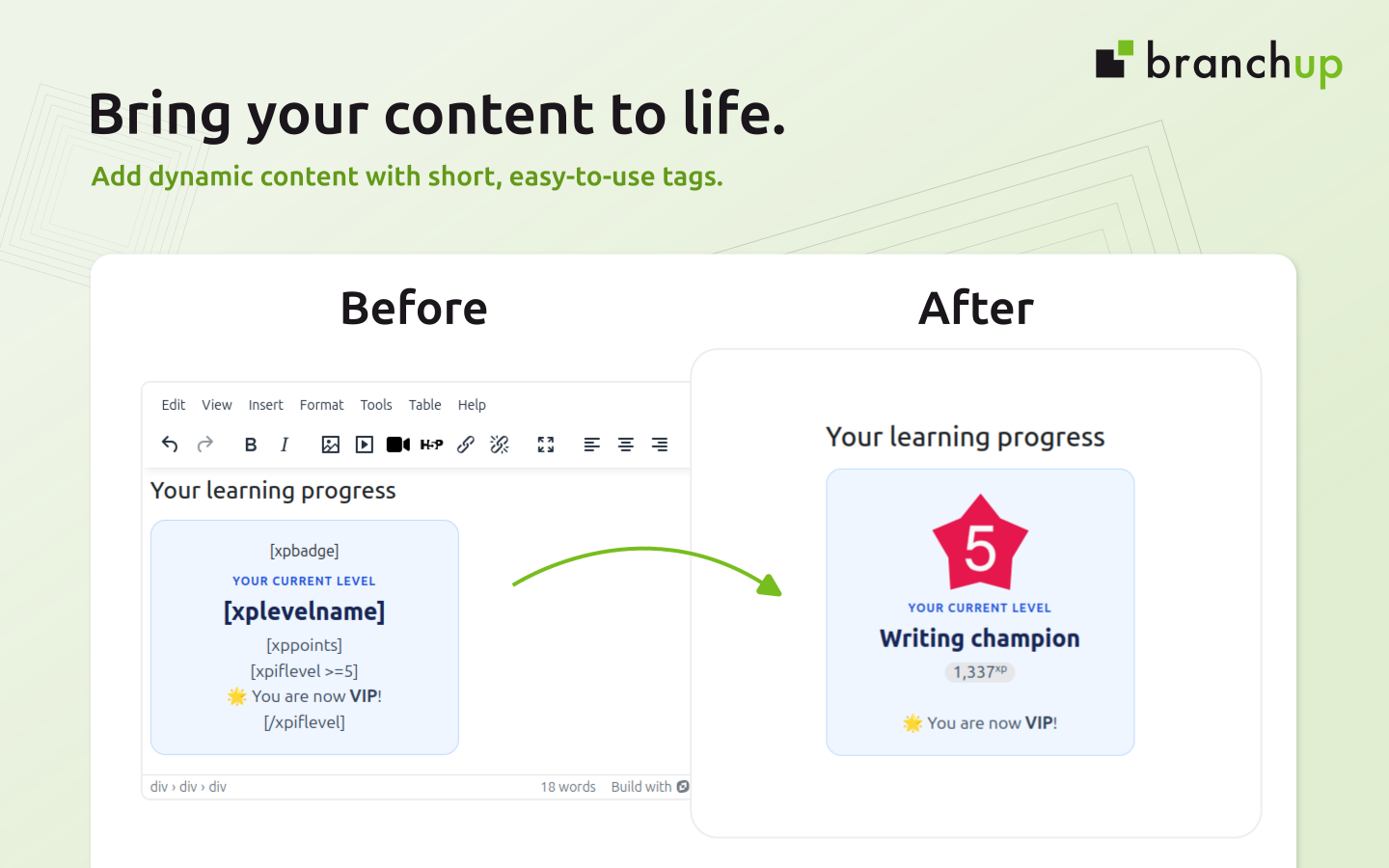
Shortcodes lets teachers and content creators embed or modify content throughout Moodle using simple tags in square brackets. The shortcodes are provided by other Moodle plugins, with Shortcodes acting as a shared text filter that gives users a consistent way to use their features.
Install Shortcodes alongside a compatible plugin, then paste that plugin's shortcodes into your pages, activity descriptions or other content where Moodle text filters apply. The available shortcodes and what they display depend on the plugins installed on your site.
Compatible plugins
Does your plugin support Shortcodes? Let us know.
For developers
Add shortcode support to your plugin without creating a separate text filter. Register shortcodes in your plugin's db/shortcodes.php and provide a callback to render their content. The API supports attributes, shortcodes that wrap content, and nested shortcodes.
See the developer documentation to get started.