Level Up XP Enrol

Automatically enrol learners in new courses when they reach a required Level Up XP level.
reported by the source platform · not verified or archived by the registryDownload and compatibility
verification ledger
Source tagged by maintainer
github.com/branchup/moodle-enrol_xp @ v1.0.8 · commit a10bf96bea8b
Rebuilt deterministically from that tag
canonical ZIP, byte-identical on every rebuild
Artifact hash recorded in the public index
sha256 b070b6b4d44d76890950b2c7304f2493288d37335082df33111ae94240048094
Release signed · trusted publishing
planned — TUF signing (RFC §4.3)
Recorded in public transparency log
planned — Sigstore/Rekor (RFC §4.3)
composer require branchup/moodle-enrol_xp
All versions
About
Unlock new courses as your learners level up.
Level Up XP Enrol automatically enrols learners in a course when they reach a level you choose in Level Up XP. Turn levelling up into an opportunity to explore new courses and continue learning.
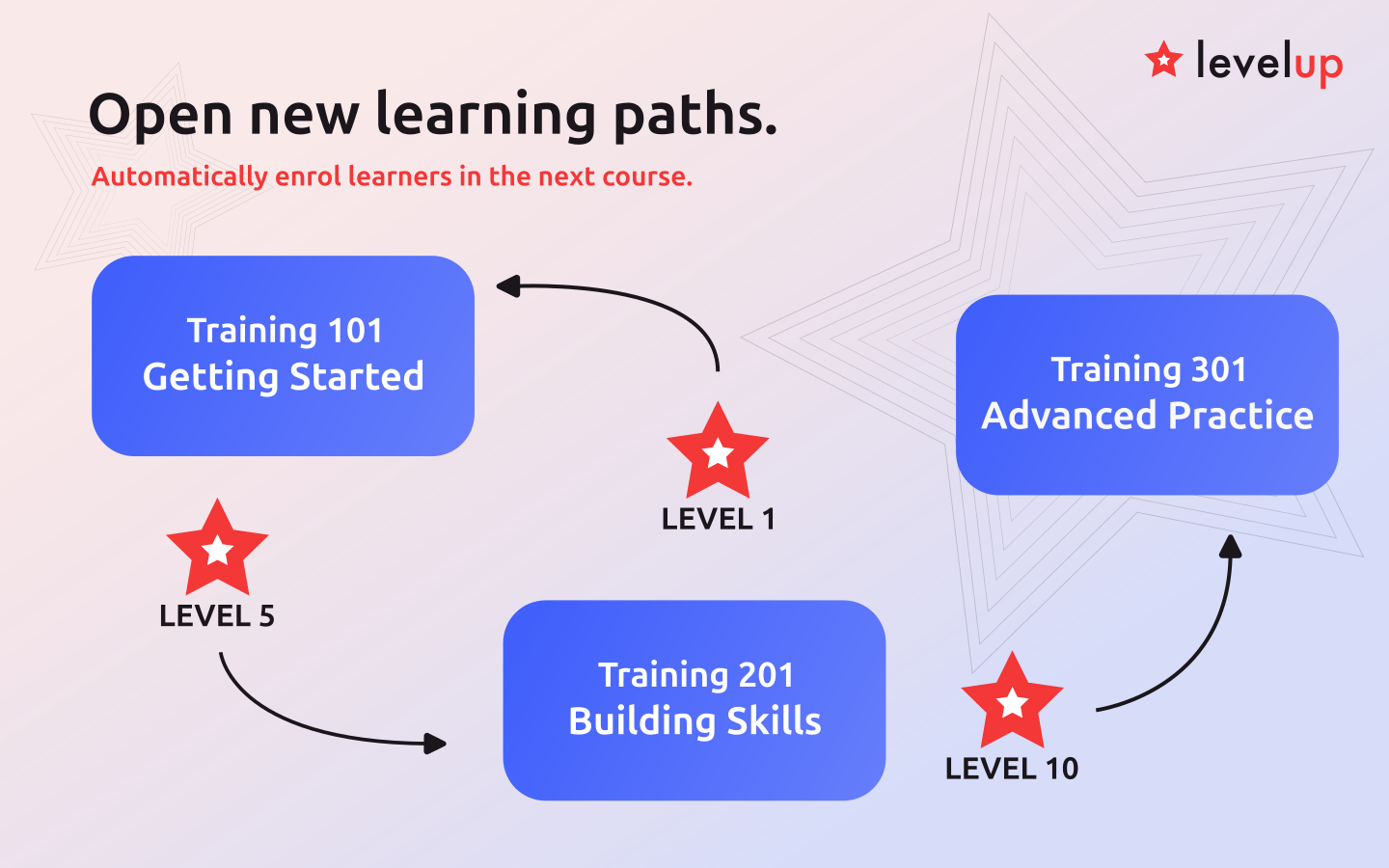
For example, learners who reach Level 5 in an introductory course can be enrolled in a follow-on course automatically. You choose the required level and the course where learners must earn it. If XP runs across your whole site, enrolment can use their sitewide level instead.
Features
- Automatically enrol learners when they reach the required XP level.
- Use levels earned in a specific course or across the whole site, depending on your XP configuration.
- Send an optional welcome message, personalised with the learner's name and the required level.
- Synchronise enrolments for learners who already meet the level requirement.
How to use
Open the enrolment methods page in the course you want learners to join. Add Level Up XP Enrol, choose the required level and, when XP runs per course, select the course where that level must be attained. You can also set a welcome message.
New enrolments happen automatically when learners level up. To enrol learners who already qualify, trigger synchronisation from the enrolment methods page. Moodle's cron processes this synchronisation.
Learners who are already enrolled in the destination course are left unchanged; this method does not reactivate suspended or expired enrolments.