Level Up XP Availability

Unlock activities, resources and course sections when learners reach the Level Up XP level you choose.
reported by the source platform · not verified or archived by the registryDownload and compatibility
verification ledger
Source tagged by maintainer
github.com/FMCorz/moodle-availability_xp @ v2.2.3 · commit 0e0dbaba7e87
Rebuilt deterministically from that tag
canonical ZIP, byte-identical on every rebuild
Artifact hash recorded in the public index
sha256 401503385c479a8ed9c78e2badacee004b55a976cc460606b8d26b184853999a
Release signed · trusted publishing
planned — TUF signing (RFC §4.3)
Recorded in public transparency log
planned — Sigstore/Rekor (RFC §4.3)
composer require fmcorz/moodle-availability_xp
All versions
About
Unlock course content as your learners level up.
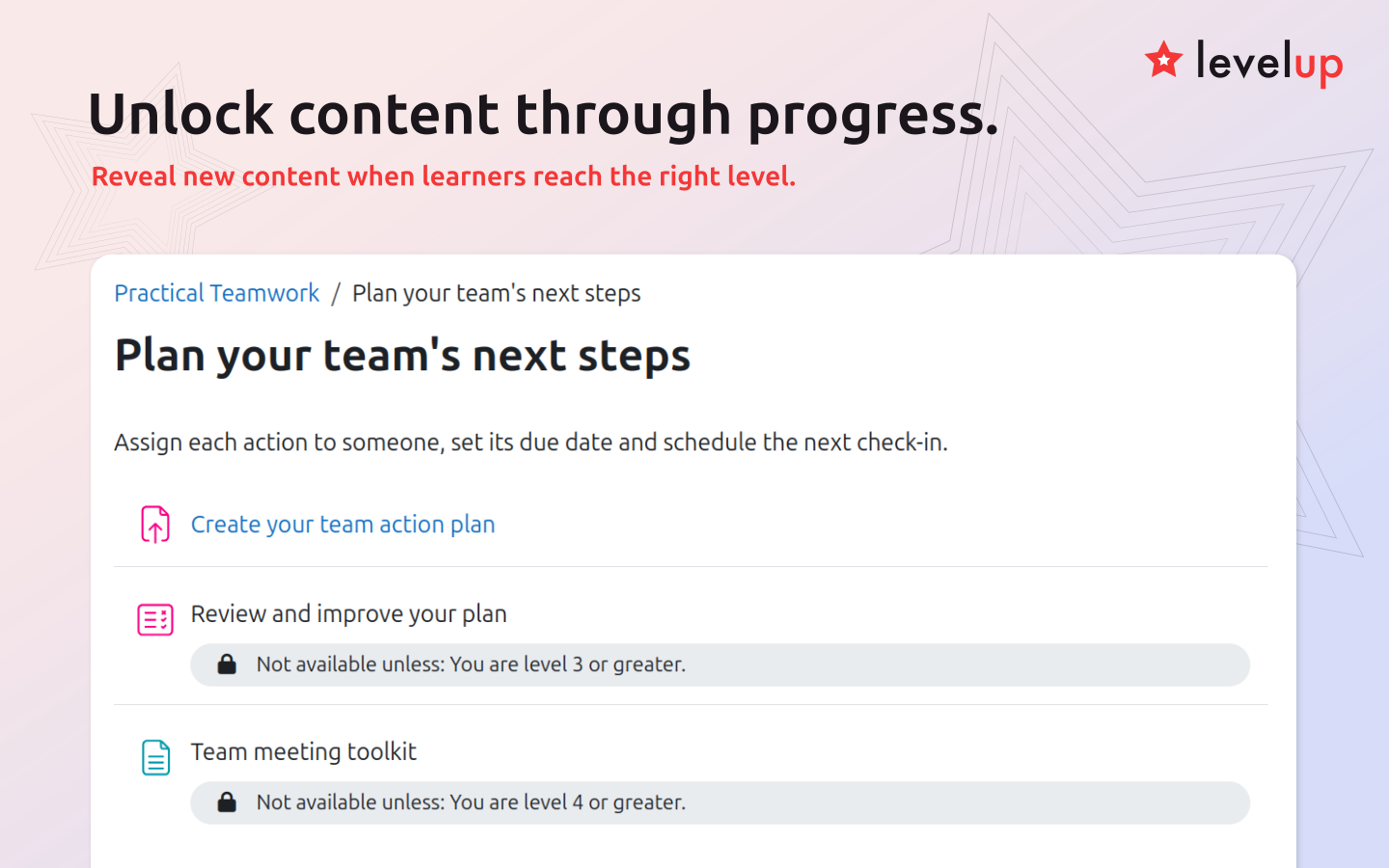
Level Up XP Availability lets you control access to activities, resources and course sections according to each learner's level in Level Up XP. Guide learners through a learning path, introduce content progressively, or unlock optional challenges as they level up.
For example, unlock the next course section at Level 3, introduce more advanced activities at Level 5, or make a bonus challenge available at Level 10. You choose the required level and which content it opens.
Features
- Unlock activities, resources or whole course sections at a level you choose.
- Require a minimum level or restrict access to learners at one exact level.
- Combine level requirements with Moodle's other access restrictions.
- Use each learner's course or sitewide XP level, depending on your XP configuration.
How to use
Open the settings for the activity, resource or section you want to restrict. Under Restrict access, select Add restriction, then Level. Choose whether learners must reach at least the selected level or be at that exact level, enter the level number and save your changes.
Use Moodle's visibility control to show learners the level requirement or hide the content until they meet it.